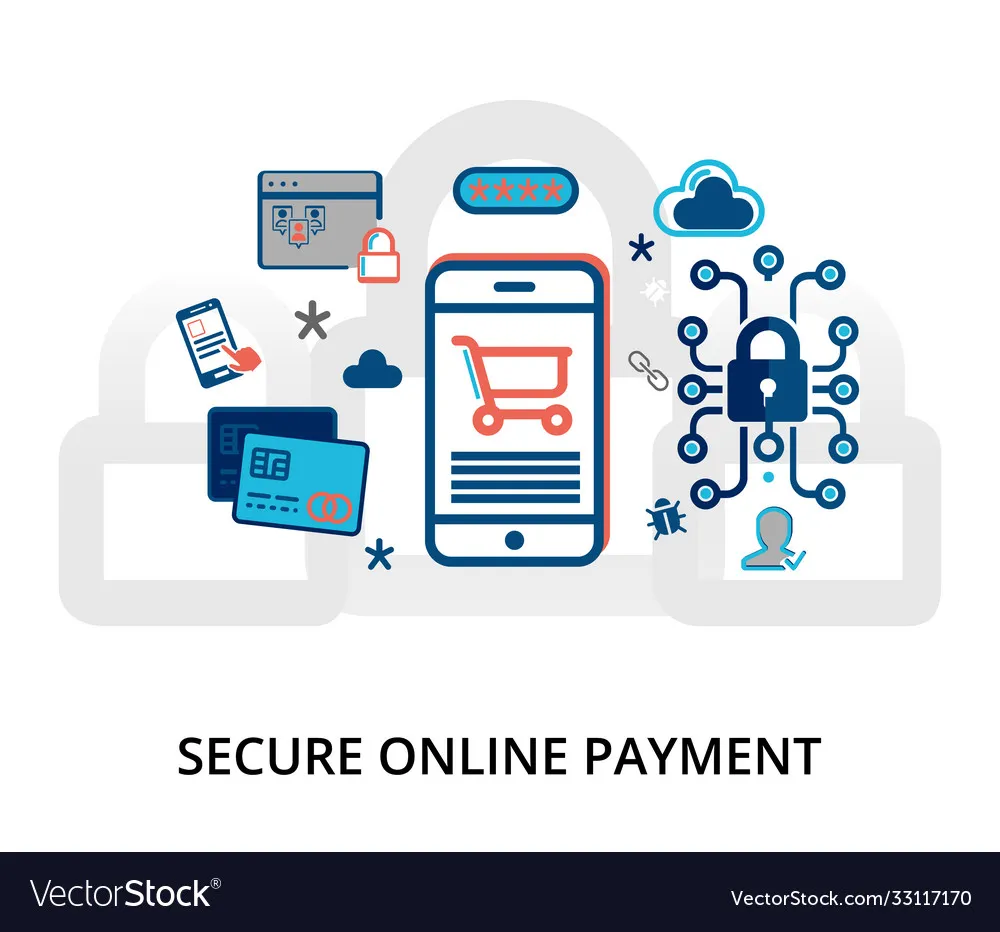
1. Encryption : The Lock and Key
When you pay online (say, on Jumia), your card details don’t just fly through the air in plain text. They’re locked in a “coded box” using something called SSL/TLS encryption.
That’s what the little padlock icon in your browser means. Without it, hackers could “sniff” your card details.
Think about it: Have you ever paid on a site that didn’t show that padlock? Would you trust it with your GTBank card?
2. Tokenization : Hiding the Real Card Number
In Nigeria, most payment processors (Paystack, Flutterwave, Interswitch) don’t store your actual card number. Instead, they swap it with a token a useless string of letters and numbers.
So when you “save your card” on JumiaPay, it’s really storing a token, not your real card. Even if hackers steal it, it’s worthless.
Question for you: If your card wasn’t actually stored anywhere, would you feel safer shopping online?
3. OTP & 2FA : The Extra Layer Nigerians Know Well
If you’ve ever gotten an SMS with a One-Time Password (OTP) when making payments, that’s an extra layer of security called two-factor authentication (2FA).
This is why you often need:
A CVV (3-digit code at the back of your card)
An OTP sent to your phone/email
Or even your bank app PIN
Banks like Access Bank, UBA, Zenith and others use this because even if someone steals your card number, they still need your phone or app to finish the payment.
But here’s the thought: What if your SIM card is swapped (SIM swap fraud)? Does OTP still keep you safe?
4. Fraud Monitoring “This Transaction Looks Suspicious”
Ever tried to pay on AliExpress or a foreign site, and your card was blocked? Annoying, right?
That’s your bank’s fraud detection system at work. Nigerian banks (with CBN regulations) use software that flags “strange” behavior like:
Spending ₦200k in Lagos at 10am, then ₦500k in Dubai 30 minutes later.
Repeated failed PIN attempts.
New device trying your account for the first time.
They’d rather frustrate you a little than let fraudsters enjoy your money.
Would you prefer a bank that sometimes “disturbs you” with alerts, or one that lets fraud slide through quietly?
5. CBN & PCI DSS Rules
Behind the scenes, Nigerian payments run on global and local rules.
PCI DSS: An international rulebook on how card data must be stored and processed (Paystack, Flutterwave follow this).
CBN Guidelines: Central Bank requires banks and fintechs to meet strict security standards. That’s why you often hear about “BVN verification” or “NIN linking.”
Question for you: When a site says “secured by Paystack” or “Flutterwave,” do you feel more confident than when it just asks for your card directly?
6. What You Can Do as a Nigerian User
Here’s how to stay safe when making payments online in Nigeria:
1. Always check for HTTPS (padlock) before typing card details.
2. Use trusted payment gateways (Paystack, Flutterwave, Interswitch).
3. Don’t share your OTP or PIN not even with a “bank official.”
4. Avoid public WiFi in cafés when paying online.
5. Monitor your alerts closely. (Ever seen “₦5 debited” and thought, “What’s this?” That’s how it starts!)
Conclusion
Online payments in are safer than they feel thanks to encryption, tokenization, OTP, fraud checks, and strict rules.
But here’s the truth: security is a partnership. Banks and fintechs do their part, but you must also stay alert.
So next time you tap “Pay,” ask yourself:
Am I paying through a shielded system, or just handing my money to chance?
References / Further Reading
https://en.wikipedia.org/wiki/Payment_Card_Industry_Data_Security_Standard
https://docs.stripe.com/security
https://www.flutterwave.com/gb/blog/payment-security-best-practices-in-nigeria