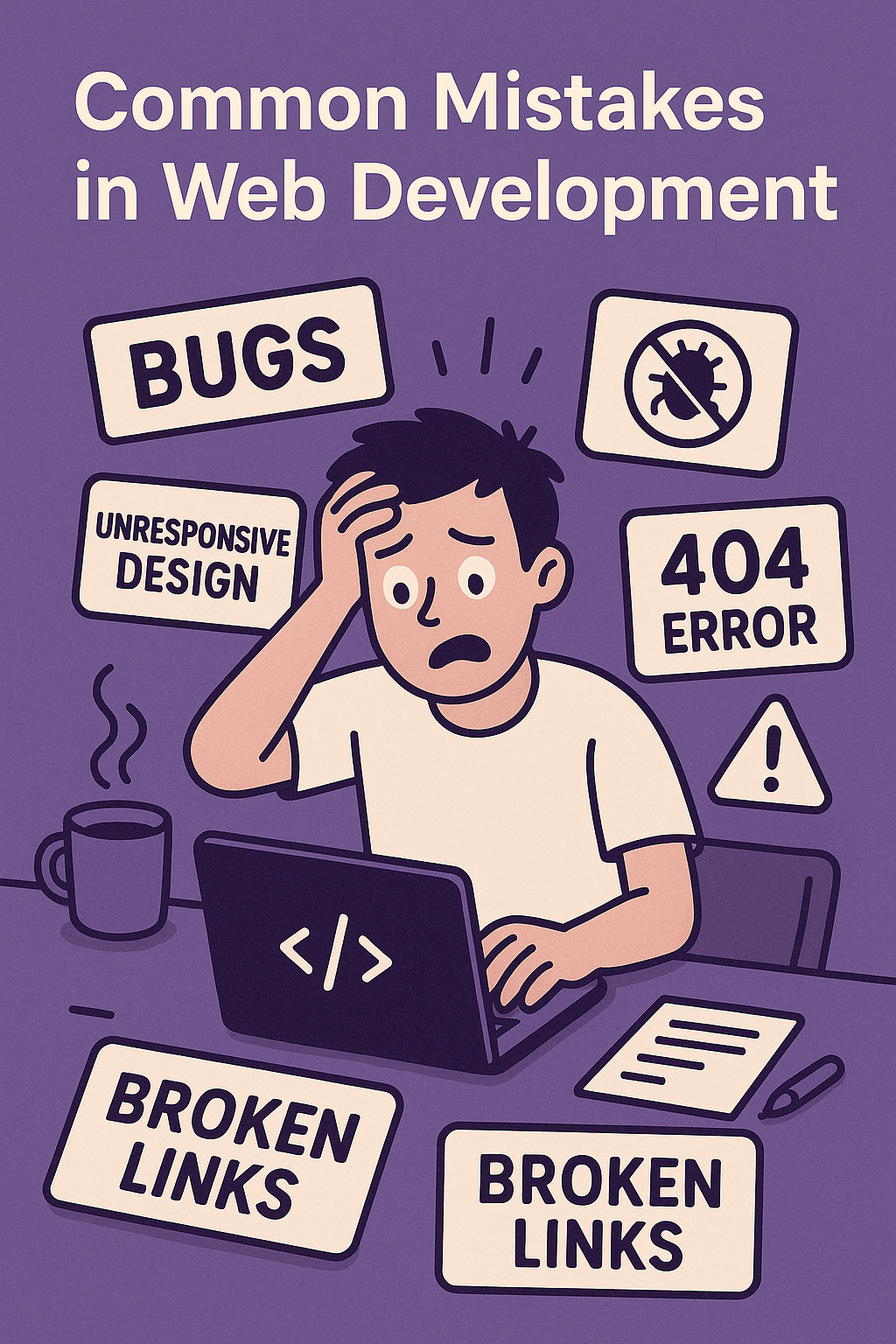
1. Ignoring Mobile Responsiveness (A Rookie Mistake That Even Pros Make) Ever opened a site on your phone and realized half the text is missing, the buttons are microscopic, or you need a GPS to find the navigation menu? We’ve all been there. It’s easy to get caught up designing for large screens and forget that most people will see your site on a phone. To avoid this, always check your work on multiple devices and use responsive design principles (think flexible grids, media queries, and mobile-friendly navigation). 2. Thinking “Speed? Who Cares?” Until Users Start Bouncing Have you ever visited a site that takes FOREVER to load? It’s painful. The average user will give your site about three seconds before clicking away, so if you’ve got bloated images, unnecessary scripts, or twenty different fonts loading fix it! Use compression tools, lazy loading, and minified CSS/JS to keep things snappy. 3. SEO? Oh Right, That Thing We Forgot About! You’ve built an amazing site, but no one can find it. Why? Because your SEO game is weak. Missing meta tags, irrelevant keywords, broken links these are all silent killers of web traffic. Implement proper heading structures, optimize images with alt text, and make sure your URLs aren’t a confusing mess of symbols and numbers. 4. “It Works on My Computer” Syndrome Ah, the classic mistake your site looks perfect on your browser, but someone using an older version of Chrome or Safari sees a broken mess. Before launching, test across multiple browsers and devices. There are plenty of tools (like BrowserStack) that can help you catch quirks before they turn into disasters. 5. Accessibility Not Just a “Nice to Have” Websites should work for everyone, not just people with perfect vision and a mouse. Forgetting accessibility means excluding users who rely on screen readers or keyboard navigation. Simple fixes like adding alt text, ensuring good contrast, and making forms keyboard-friendly can make a huge difference. 6. Hardcoding Everything (Future You Will Hate You) Listen, if you hardcode every color, spacing value, or API key directly into your code, you’re setting yourself up for misery. Use CSS variables, environment configurations, and proper abstraction to keep things flexible. Your future self will thank you when you don’t have to change the same value in 50 different places. 7. Not Testing Properly A Shortcut to Disaster You rush to deploy a site without testing, thinking, “Eh, it’s probably fine.” And then... BAM. Broken links, weird form behaviors, security vulnerabilities. Never skip QA. Run both automated and manual tests, get feedback from users, and always check for security issues before launching. Final Thoughts: Build Smarter, Not Harder Web development is all about learning from mistakes yours and the mistakes of others. The best developers aren’t perfect; they’re just good at catching problems before they spiral. Stay curious, keep testing, and never stop improving!